Gmail Just Told You Why Your Emails Go to Spam. Here's the Translation.
Google published a list of the top 10 things that get senders filtered at Gmail, including a deferral recovery procedure it has never spelled out before. Here's what each one actually means.


On this page
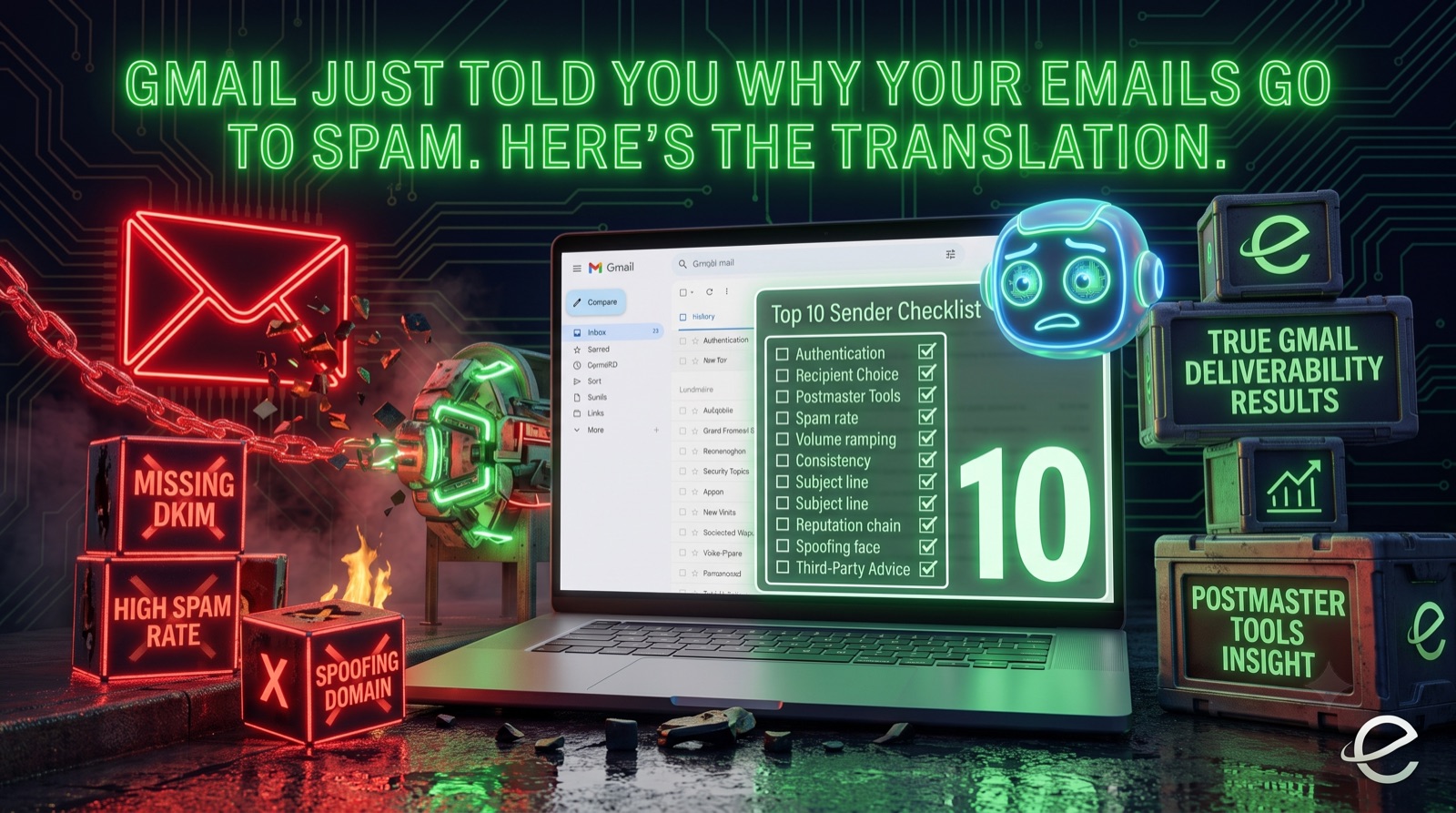
Google published a support article called "Top 10 Gmail sender issues": a plain list of the ten things that most often get senders filtered, deferred, or dumped into the spam folder at Gmail. When the largest mailbox provider in the world tells you exactly what it's looking for, you read it carefully.
The catch: Google writes these documents for Google. The language is precise but sparse, and the practical implications aren't spelled out. I've spent 20+ years inside the email ecosystem, at ESPs, at an ISP, and at one of the industry's leading deliverability platforms, and I've watched senders misread guidance like this in expensive ways. So here's each of the ten issues, what Gmail actually means by it, and what you should do about it.
What are the top 10 Gmail sender issues?
Gmail's list covers:
- Missing or incomplete email authentication (SPF, DKIM, DMARC)
- Ignoring recipient choice (volume, opt-in, unsubscribe)
- Not using Postmaster Tools
- Spam rates above 0.1%
- Ramping volume too fast after deferrals
- Inconsistent sending patterns
- Misleading subject lines and headers
- Shared IP and domain reputation problems
- Domain spoofing
- Relying on outdated third-party advice
Some of these are old news to anyone who's been paying attention since the February 2024 bulk sender requirements. Others contain details I haven't seen Google put in writing before. Let's go through them.
1. Authentication isn't optional (and hasn't been for a while)
Gmail's first item: authenticate with SPF and DKIM, then add a DMARC policy so nobody can impersonate your domain.
If you're a regular reader, you already know this. Since early 2024, bulk senders without SPF, DKIM, and DMARC have been rejected outright, not just filtered. What's worth noting is the framing: Gmail describes authentication as establishing a trusted identity. Reputation at Gmail is tracked against your authenticated domain. No authentication, no identity. No identity, no reputation to build.
What to do: Verify all three are in place and aligned. Then check that your DMARC policy isn't still sitting at p=none two years after you "temporarily" set it that way to monitor. Most senders I audit are in exactly that spot.
2. "Respect user choice" covers opt-in, volume, and unsubscribe
This item bundles several requirements: send at volumes recipients expect, support one-click unsubscribe, honor unsubscribe requests promptly, and require explicit opt-in for new relationships.
The phrase that should stop you is volumes recipients expect. Gmail is saying that even a fully opted-in subscriber can become a spam complaint if you email them far more often than they signed up for. Consent has a shelf life. Someone who signed up for a weekly digest did not agree to daily promotions, and Gmail counts their spam click the same either way.
What to do: If your send frequency has crept up since subscribers opted in, that's a real risk, not a technicality. And if you're still burying unsubscribe behind a preference center login, fix it. One-click unsubscribe (RFC 8058) is a hard requirement for bulk senders.
3. If you're not in Postmaster Tools, you're flying blind
Gmail's third item is simply: use Postmaster Tools. It's free, and it's the only place Gmail will tell you your spam rate, domain and IP reputation, authentication results, and delivery errors as Gmail sees them, not as your ESP dashboard estimates them.
One detail from the article worth knowing: if your volume to personal Gmail accounts is too low, the dashboards may show no data at all. That's not an error. Postmaster Tools only populates above a volume threshold, so small senders shouldn't panic at empty charts.
What to do: Set it up today if you haven't. I check Postmaster Tools daily for monitoring clients because reputation problems show up there before they show up in your open rates.
4. The 0.1% spam rate threshold is the number that matters
Gmail repeats its known standard: keep user-reported spam below 0.1%, and never sustain above 0.3%. What senders miss is the asymmetry in how this works. Crossing the line damages your reputation quickly. Getting back under it does not restore your reputation quickly. Gmail's article itself notes that improvements take time to reflect in filtering.
I've watched this play out with clients repeatedly. One bad campaign to a stale segment spikes complaints, and inbox placement suffers for weeks afterward, even after the sender cleans up. Prevention is dramatically cheaper than recovery.
What to do: Watch the spam rate dashboard in Postmaster Tools, and treat 0.1% as a ceiling, not a target. A healthy program runs well below it. If you spike, find the segment or campaign that caused it before you send anything else.
5. Gmail finally published a deferral recovery playbook
This is the section I'd bookmark, because Gmail rarely gets this specific. When your mail is being deferred (temporary 4xx errors), the article lays out an actual procedure:
- Wait 15 minutes before retrying
- Send a single test message
- If it goes through, send below your prior deferral volume for 24 hours
- Then increase gradually, somewhere between 25% and 100% per day depending on how things look
- Watch your SMTP error rates the whole way
That's an IP warming curve, straight from Google. The instinct when mail gets deferred is to retry harder and push the queue through. That's exactly backwards. Hammering a mailbox provider that's throttling you tells them you're precisely the kind of sender they should be throttling.
What to do: Back off, test, and re-ramp slowly. If deferrals keep recurring, the throttling is a symptom. The disease is your reputation, and that's what needs fixing.
6. Consistency is a reputation signal
Gmail wants steady traffic: consistent volumes across hours and days rather than sporadic bursts. The article even suggests a cadence of around one message per second rather than dumping a full send at once.
Why? Because spikes look like compromised infrastructure or a spammer burning a fresh IP. Legitimate senders have rhythms. A sender that's quiet for three weeks and then blasts two million messages on a Friday looks, to an algorithm, indistinguishable from a botnet.
What to do: Smooth your sending. If your calendar concentrates everything into occasional big sends, spread them out or throttle delivery over hours. This matters double during peak season. The Black Friday pattern of 10x volume overnight is a classic self-inflicted wound.
7. Gmail names the deceptive header tricks, down to fake verification emojis
This item names some specific tricks: emojis in the sender name that mimic verification checkmarks, fake "Re:" or "Fwd:" prefixes on first-touch messages, and display names designed to look like an existing conversation thread.
If you've ever been tempted by a "Re:" subject line because a growth blog said it lifts opens, Gmail now says plainly that it treats this as a deceptive practice. It's also the kind of trick that generates spam complaints from the humans on the other end, which feeds directly back into issue #4.
What to do: Audit your subject lines and friendly-from names. If any of them pretend to be something they're not, retire them. A bump in opens isn't worth what it costs your reputation.
8. On shared IPs, your neighbors' behavior is your problem
Gmail notes that senders sharing IPs or domains share reputation consequences. If you're on a shared IP pool at your ESP (and most senders are), every other customer in that pool is co-signing your reputation, and you theirs.
This is one of the most common blind spots I see. A client's metrics look clean, their practices are solid, and their deliverability tanks anyway because someone else in the pool got the IP blocklisted.
What to do: Monitor IP reputation in Postmaster Tools even if you're on shared infrastructure. If your ESP's pool keeps causing problems, ask about pool segmentation or a dedicated IP. Just remember a dedicated IP means your reputation is entirely yours to build, which requires warming and consistent volume (see #5 and #6).
9. Spoofing gets you classified as phishing, not just spam
Sending from domains you don't own or imitating another organization's domain violates Gmail's policy and gets your mail classified as spam or phishing. Most legitimate marketers read this and skip past it. You're not a spoofer, after all.
But this is also about you as the victim. If your domain lacks an enforcing DMARC policy, other people can spoof you, and their abuse lands on your domain's record. That's the connection back to issue #1: DMARC at p=quarantine or p=reject is what makes this someone else's problem instead of yours.
What to do: Move DMARC toward enforcement. Also check cousin domains. If you send from mail.yourbrand.com, make sure yourbrand.com itself has locked-down email policies too.
10. Get your guidance from the source (and from people who read the source)
Gmail's last item is pointed: check Google's own help center for current requirements rather than relying on third-party sources, which "might not be reliable."
They're right, and the irony of saying so on a third-party blog isn't lost on me. Deliverability folklore is everywhere: advice from 2015 recirculating on LinkedIn, AI-generated audits inventing throttle rates from thin air, and "best practices" posts written by people who've never read an SMTP log. The mailbox providers' own documentation, plus Postmaster Tools data, is the ground truth. Everything else, this post included, should point back to it.
What to do: Bookmark Google's Email sender guidelines and check them when policy questions come up. And when someone hands you deliverability advice, ask what it's based on.
What should you fix first?
If you're reading Gmail's list wondering where to start, here's the priority order I use in audits:
- Authentication (issues 1 and 9). Without SPF, DKIM, and enforced DMARC, nothing else matters.
- Visibility (issue 3). Set up Postmaster Tools so you can see what Gmail sees.
- Complaints (issues 2, 4, and 7). Spam rate under 0.1%, painless unsubscribe, honest headers.
- Sending behavior (issues 5, 6, and 8). Consistent volume, careful ramps, eyes on shared infrastructure.
Most Gmail deliverability problems trace back to one of those four buckets. The senders who struggle aren't usually doing anything exotic. They're skipping fundamentals that Google has now, helpfully, written down in one place.
Frequently asked questions
What spam rate does Gmail require?
Keep user-reported spam below 0.1% as measured in Postmaster Tools, and never sustain 0.3% or higher. Above those thresholds, Gmail filters your mail more aggressively, and recovery takes far longer than the original damage did.
Do small senders need to follow Gmail's sender guidelines?
Yes. The strictest enforcement (one-click unsubscribe, DMARC) applies to bulk senders at 5,000+ messages per day, but authentication, low spam rates, and honest headers affect filtering for everyone. Note that very low-volume senders may see no data in Postmaster Tools. That's a volume threshold, not a problem.
Why is Gmail deferring my email?
Temporary deferrals (4xx SMTP errors) usually mean Gmail is throttling you based on reputation or unusual volume. Don't retry aggressively. Wait 15 minutes, send a test message, then re-ramp gradually below your previous volume. Gmail's own guidance says to increase 25–100% per day while monitoring error rates.
Does a shared IP hurt my Gmail deliverability?
It can. Senders on a shared IP pool share that IP's reputation, so another customer's bad practices can affect your inbox placement. Monitor IP reputation in Postmaster Tools, and talk to your ESP about pool assignment if problems recur.
Gmail publishing this list is a gift: the world's largest mailbox provider telling senders exactly what gets them filtered. If you'd like help translating it into an action plan for your program, or if you're already seeing spam folder placement at Gmail and need it fixed, that's what I do. Your emails should reach the inbox. I make sure they do.
Tom Sather
Email deliverability expert with 20+ years of experience helping companies improve inbox placement and authentication. Founder of Email Lookout.
Need help with deliverability? Book a free assessment →Related Posts
Ready to Improve Your Email Deliverability?
Get a free assessment of your email authentication setup and actionable recommendations to boost your inbox placement.